Tips to remain Productive whilst Working Remotely: additional Laptop Screen Recommendations
- productivity
- remote work
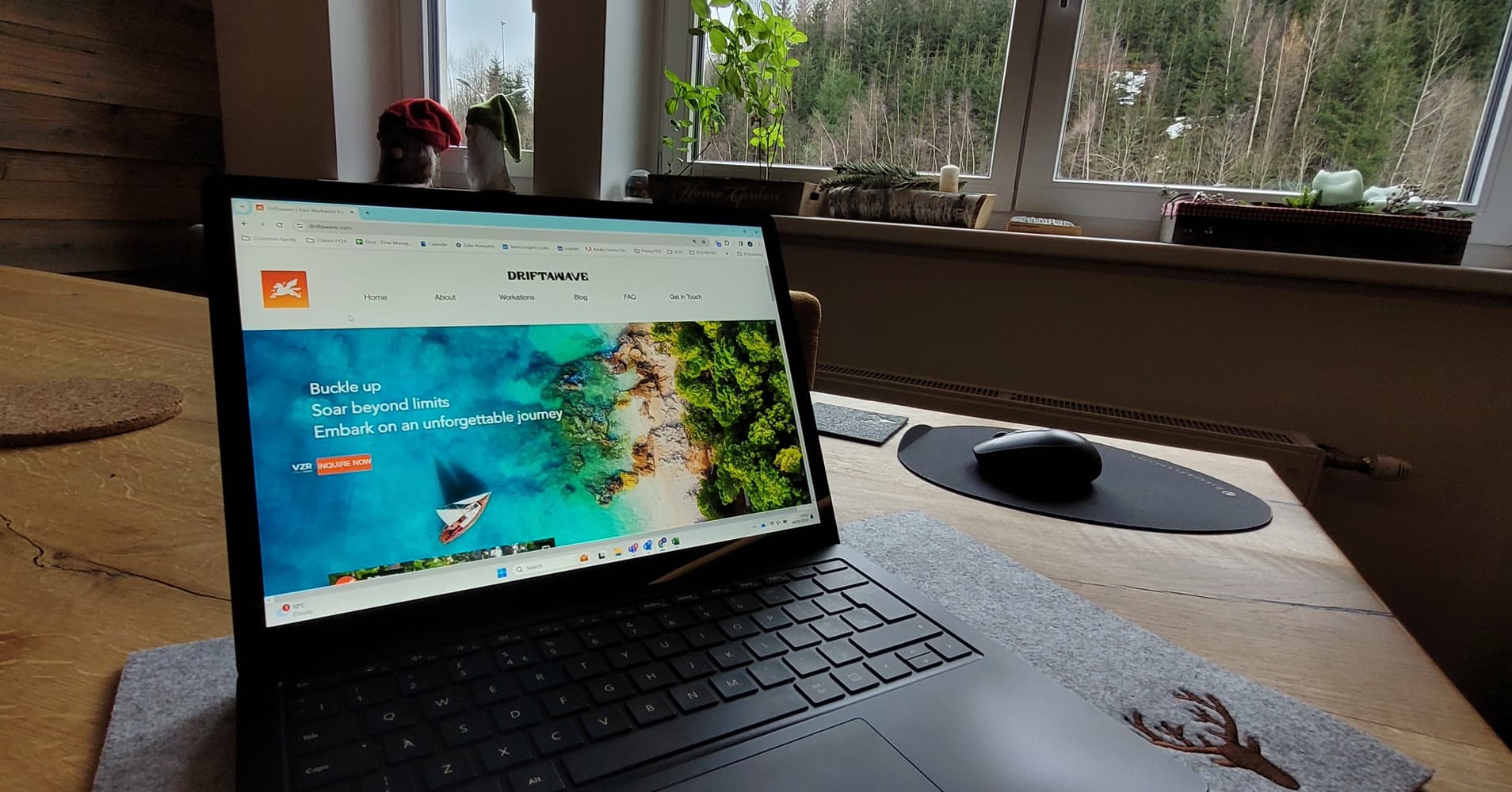
The portable second screens our remote network swears by: iPad Air, Espresso, ASUS ZenScreen and Arzopa, with weights and prices for every workation setup.
Quick answer
Which portable second screen is best for remote work and travel?
A portable second screen is one of the two most useful remote work gadgets, alongside noise cancelling headphones. Driftawave's remote network recommends five options: the iPad Air at 462 grams, the Espresso display from 329 euros, the ASUS ZenScreen MB14AC at around 229 euros, and two Arzopa monitors, with the budget 15.6 inch model costing around 117 euros.
- iPad Air 2022: 462 grams, wireless connection for Apple users, priced between 540 and 730 euros.
- Espresso display: from 329 euros for the 13.3 inch, magnetic foldable stand, currently Apple only.
- ASUS ZenScreen MB14AC: 14 inch Full HD, 590 grams, around 229 euros, with blue light settings.
- Arzopa S1 15.6: anti-glare Full HD for around 117 euros, the budget pick.
- Arzopa 14: touchscreen at only 500 grams and around 185 euros, ideal for light packers.
The two most useful gadgets for working remotely are a portable second screen and noise cancelling headphones. A lightweight external monitor, or an iPad used as a second display, boosts focus, ergonomics and multitasking on the road. Below are the portable screens our remote and hybrid network recommends, with weights and prices.
The most beneficial gadgets when it comes to remote working are the extra screen and noise cancelling headphones. Ideally, leverage USB-C on all devices so you do not need to carry additional chargers. A laptop stand by itself depends on personal preference: some love it, others prefer to travel light. It can also depend on your type of work, and the duration and narrative of your trip.
It looks like we could all use an upgrade here, so we went deep. The tips below for additional screens have been provided by remote and hybrid workers within our network who venture around frequently.
iPad Air
Apple users highly praise this option, as it is lightweight and the different devices connect instantly. Being wireless means you do not need to bring an extra cable, which can be a real benefit. The Apple iPad Air 2022 varies between 540 and 730 euros and weighs 462 grams.
Espresso Displays
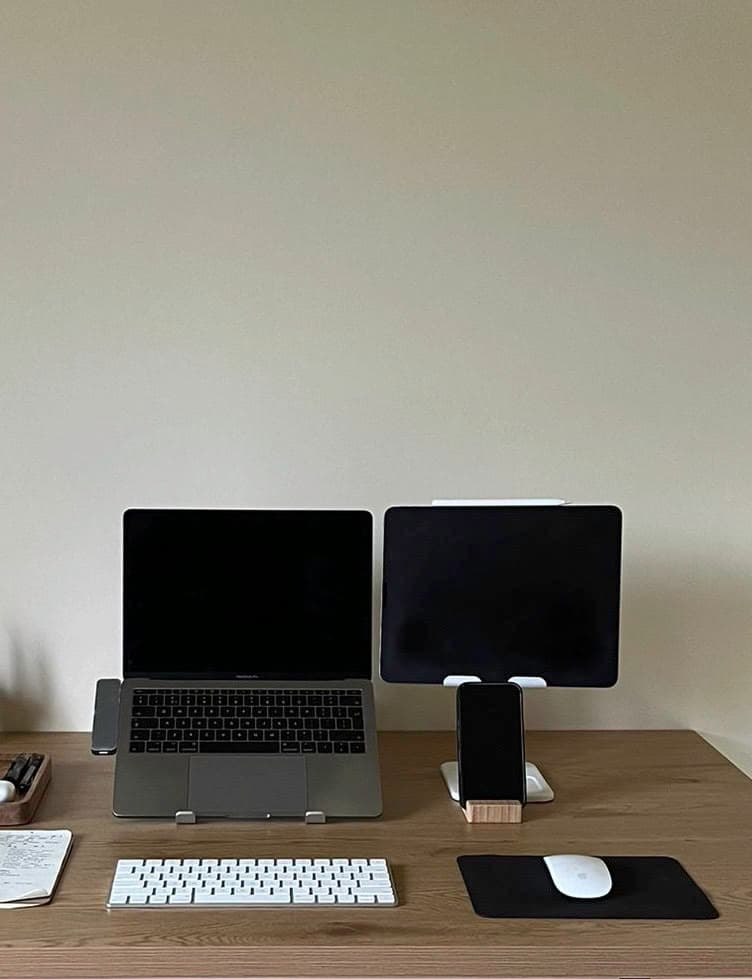
This is a more budget friendly option compared to the iPad Air, with pricing from 329 euros for the 13.3 inch screen and up. The screen is a laptop extension, does not carry a battery, and comes with a foldable stand that connects with a magnet. The 1080 resolution screen lends itself perfectly to the creatives among us, with the interactive ability to use the Adobe Creative Suite, Figma and similar tools. It is currently only available for Apple users, with the Windows version coming soon. Once the investment is made, you will be carrying around 620 grams.
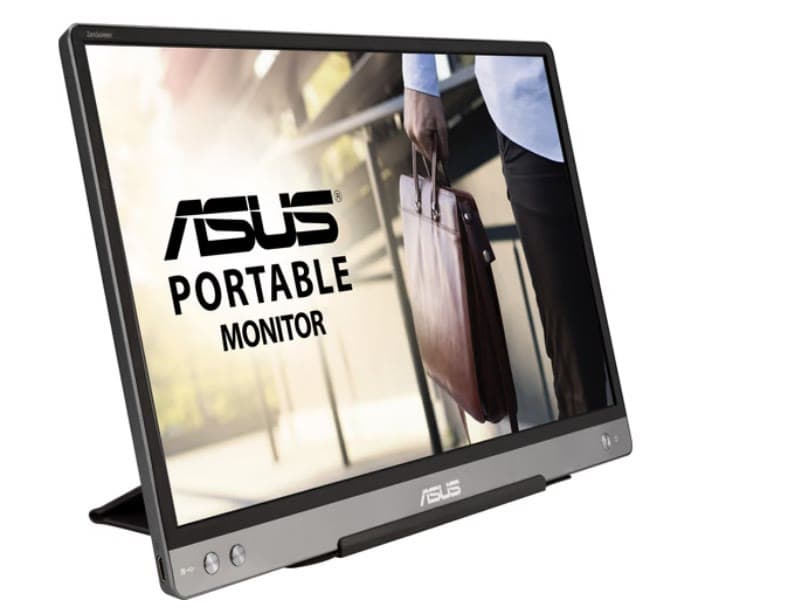
ASUS ZenScreen MB14AC
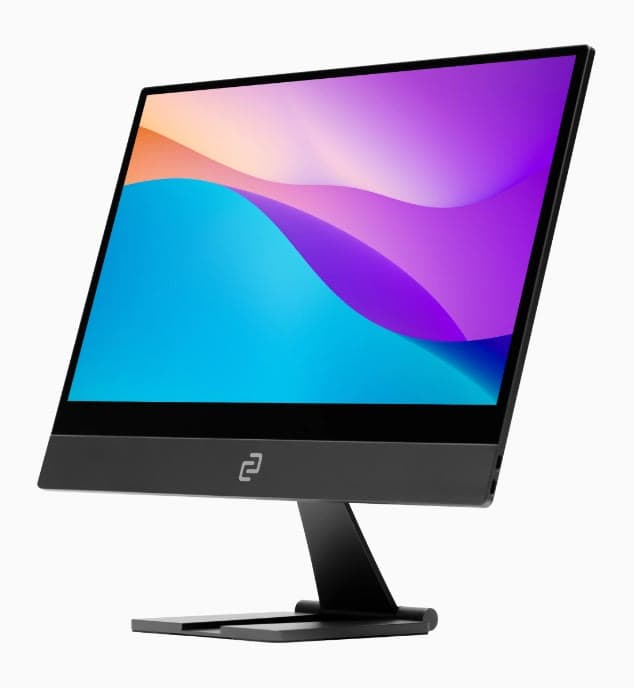
This screen is a great option, as it is very slim and portable and includes a small table stand. The 14 inch screen is full HD (1080p), 20.8 cm high, 32.5 cm wide, and weighs 590 grams. There are various blue light options and settings to choose from depending on your work hours or activities. This productivity investment will cost you around 229 euros and comes with a USB-C connection. This external screen has been used by talent who also use the iPad Air.
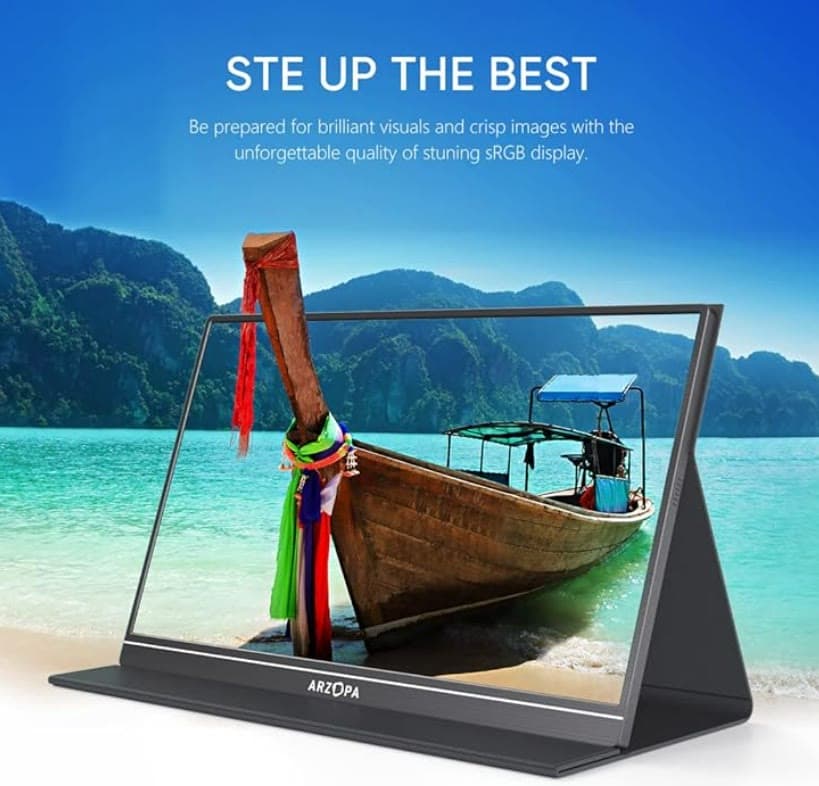
ARZOPA Portable Monitor, S1 15.6
The Arzopa is perfect for travelling and has been mentioned by many. There are two recommended versions depending on your personal preference. The 15.6 inch laptop screen measures 22.5 cm by 36.8 cm. It is 1080 Full HD with a USB-C charger, and like most, the display resolution is 1920 x 1080, yet it comes with anti-glare, a great benefit when working from various places and settings. The screen will cost you around 117 euros.
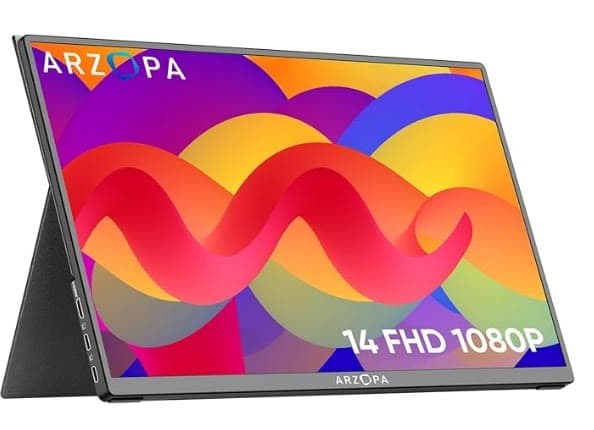
ARZOPA Portable Monitor, 14
This is an ultimate slim laptop monitor that weighs only 500 grams. The touchscreen comes in Full HD 1920 x 1080, anti-glare, with a USB-C connection, and lends itself perfectly to a business trip or travelling. With pricing around 185 euros, this is a great light and budget friendly option recommended by many.
What else is on the market?
Let us know if you have discovered any other great portable monitors or productivity hacks, so we can help more people leverage the benefits of working remotely.
Ready to set up your perfect remote office?
Whether you are fine tuning your travel setup or planning your next workation, Driftawave helps remote teams work and thrive from anywhere. Schedule a call with us here or reach out via info@driftawave.com.

Brought to you by